 BackupWatch Docs
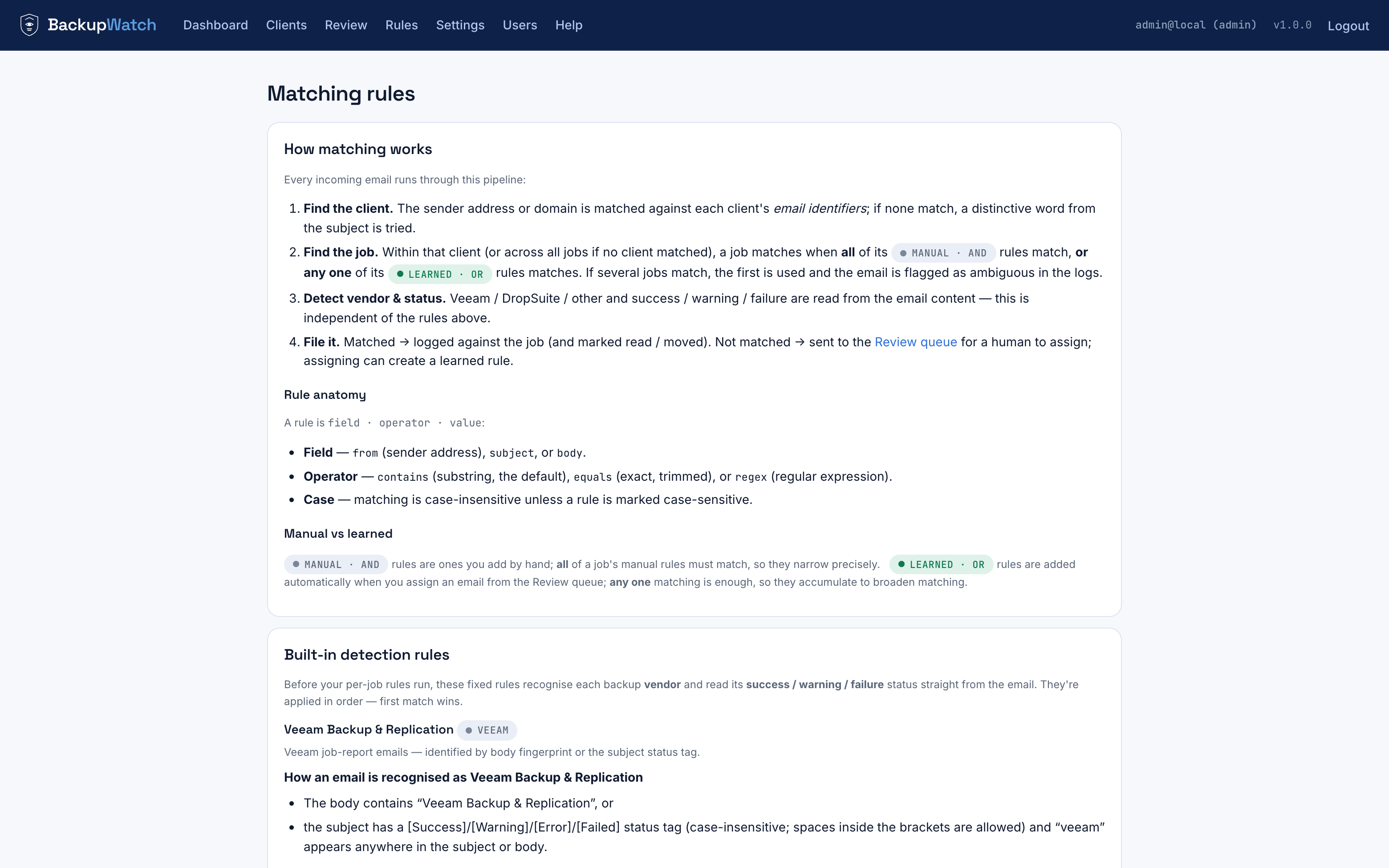
The pipeline
- Find the client. The sender address or domain is matched against each client's email identifiers; if none match, a distinctive word from the subject is tried instead (for shared-sender vendors like DropSuite).
- Find the job. Within that client (or across all jobs if no client matched), a job matches when all of its manual (AND) rules match, or any one of its learned (OR) rules matches. If several jobs match equally well, the email is left unmatched and flagged as ambiguous rather than guessed.
- Detect vendor & status. Veeam / DropSuite / other, and success / warning / failure, are read from the email content — independent of the rules above.
- File it. Matched → logged against the job (and marked read / moved). Not matched → sent to the Review queue for a human to assign; assigning can create a learned rule.
Rule anatomy
A rule is field · operator · value:
- Field —
from(sender address),subject, orbody. - Operator —
contains(substring, the default),equals(exact, trimmed), orregex. - Case — matching is case-insensitive unless a rule is marked case-sensitive.
Manual vs. learned
Manual rules are ones you write by hand; all of a job's manual rules must match, so adding one makes the job stricter — use them to express precise intent, like "subject contains both X and Y." Learned rules are added automatically when you assign an email from Review; any one matching is enough, so they only ever broaden a job's coverage. The two groups are never mixed together — if learned rules were AND'd with manual ones, learning could never widen matching.
Most specific match wins; ties go to Review
If more than one job matches an email, the one whose decisive rule value is
longest wins — so a job matched by subject contains "Scale-out
Repository" beats one matched by just "Backup". A genuine tie at the
top sets the email aside as ambiguous instead of guessing.
Worked examples
Email: from veeam@oscorp.example.com.au, subject
[Error] Scale-out Backup Repository: NAS & Azure SoR
Client: Oscorp — the domain oscorp.example.com.au
matches the sender's domain.
Job: among Oscorp's jobs, "Scale-out Repository" has a learned rule
from contains oscorp.example.com.au → matches.
Email: from support@dropsuite.com, subject
Stark Industries — Backup is completed
Client: the sender is DropSuite's shared address, so the sender pass fails; the subject pass then matches the identifier "stark industries" → client = Stark Industries.
Job: Stark's "Microsoft 365 Mailboxes" job has a manual rule
subject contains "Stark Industries" → matches.
Email: from veeam@newclient.com.au, subject
[Success] Nightly
Client: no identifier matches → none.
Job: no job's rules match either → the email lands in the Review queue.