 BackupWatch Docs
Clients
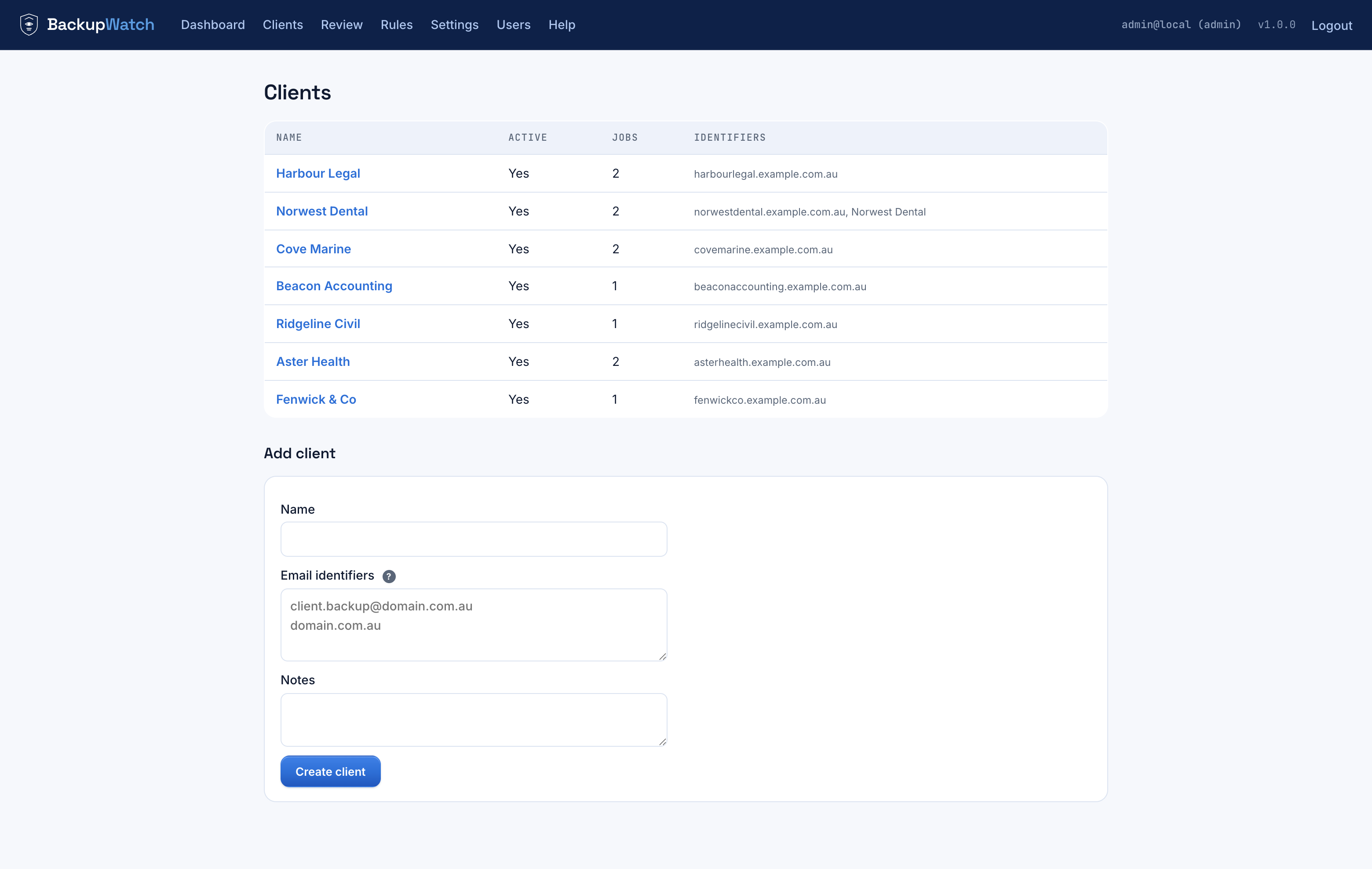
A client needs a name and its email identifiers — the sender address(es) or domain that identify its mail. Each identifier is one of:
- An address (contains
@) — matches if it appears in the From address, e.g.veeam@client.com.au. - A domain — matches the sender's domain, a parent of it, or anywhere
in the From address, e.g.
client.com.au. - A subject token — for vendors that send from one shared address
across all their customers (DropSuite always sends from
support@dropsuite.com), use the client's name as it appears in the subject line instead of an address.
Jobs
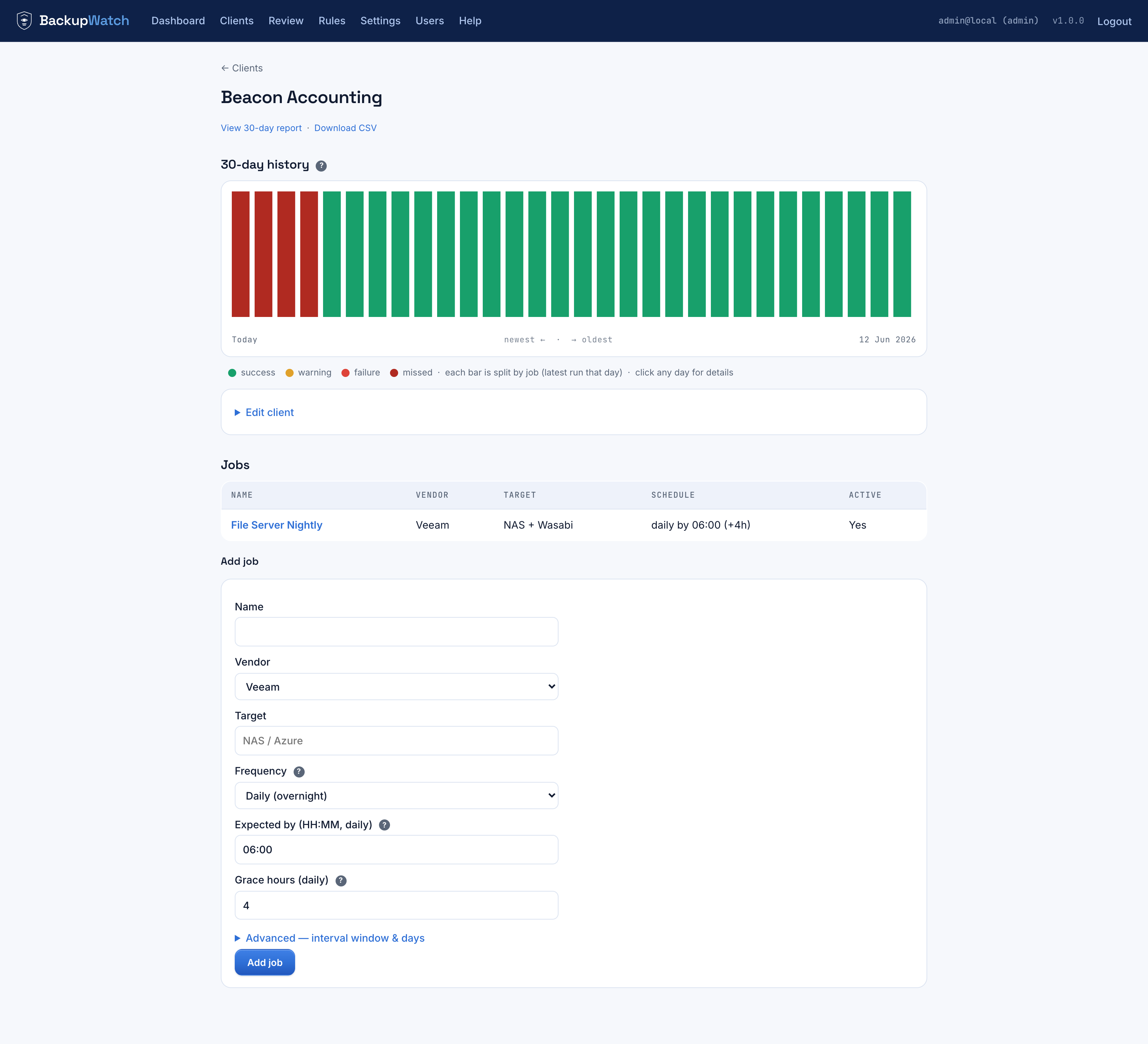
A job has a vendor (Veeam, DropSuite, or other), a target label (free text, e.g. "NAS + Wasabi"), and a schedule:
| Frequency | Fields |
|---|---|
| Daily | Expected by time (HH:MM) + grace hours — a nightly backup expected by, say, 06:00 with a 4-hour grace window. |
| Interval | Every N minutes, within an active window (e.g. 07:00–20:00), grace in minutes, optionally restricted to specific weekdays — for backups that run hourly during business hours. |
Each client page shows a 30-day stacked history chart of that client's backup outcomes, and the Add job form sits right below it.
Match rules
A job only picks up mail once it has at least one match rule — a job with no rules can never auto-match, by design. Rules are covered in full on the How Matching Works page; the short version: add one precise manual rule per job (e.g. subject contains a distinctive phrase), and let the learning engine add more as you triage the Review queue.